Four clear packages, flexible durations and a setup that fits your home. Compare the options, then confirm the channels and connections that matter to you.
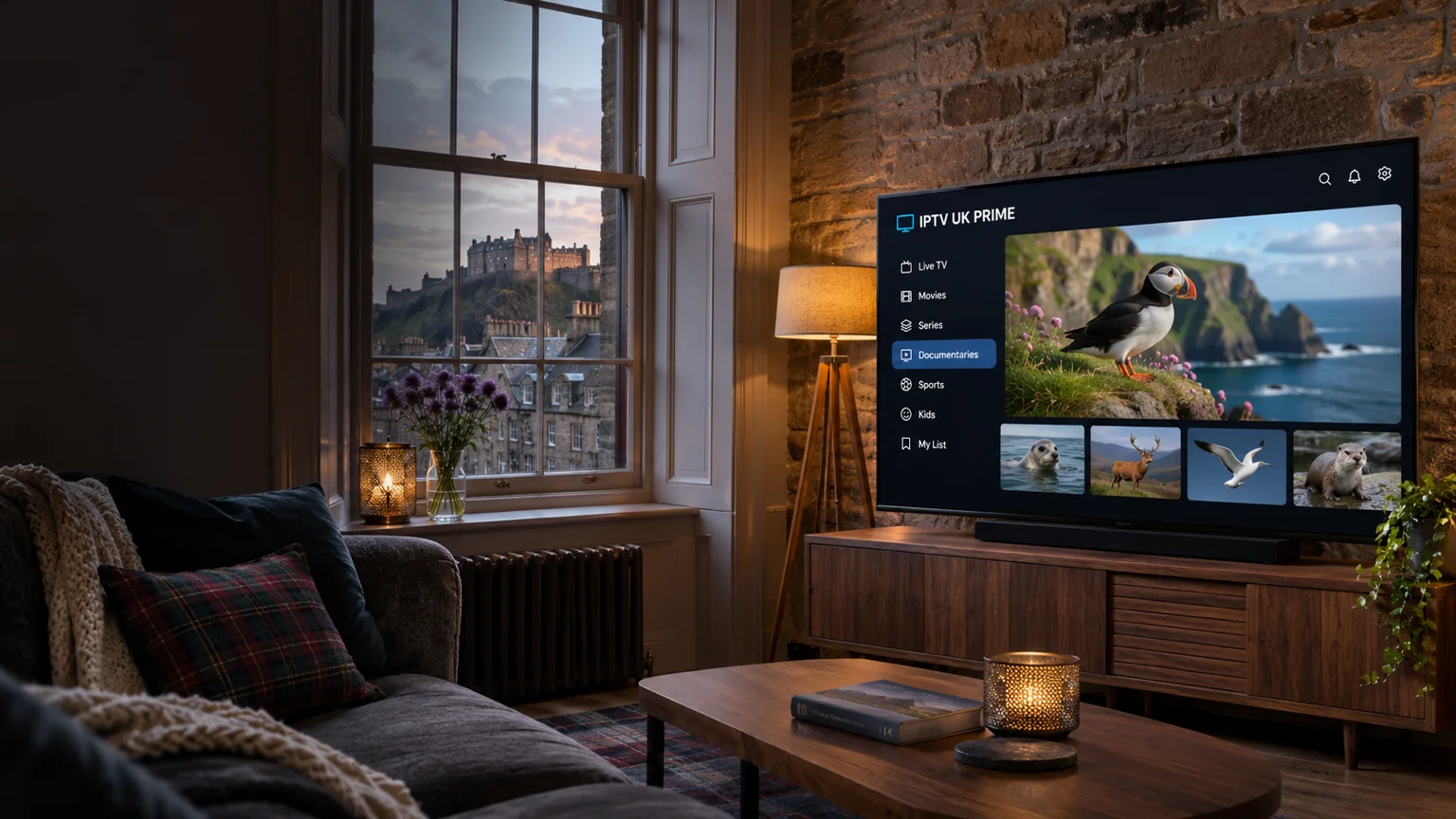
Keep the programmes you enjoy within easy reach. Explore live television categories, UK entertainment and international viewing options, then ask us to confirm your must-have channels.
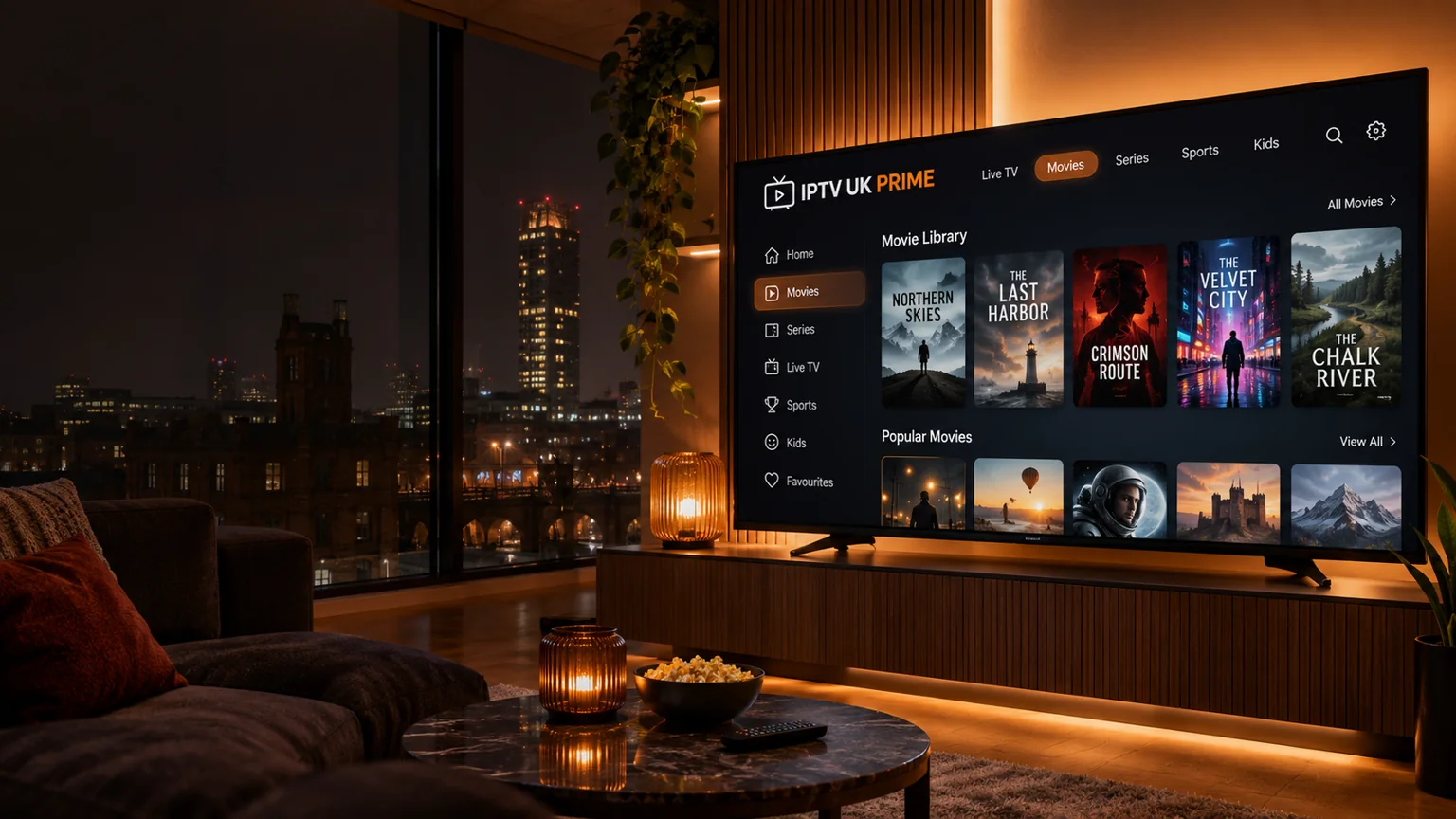
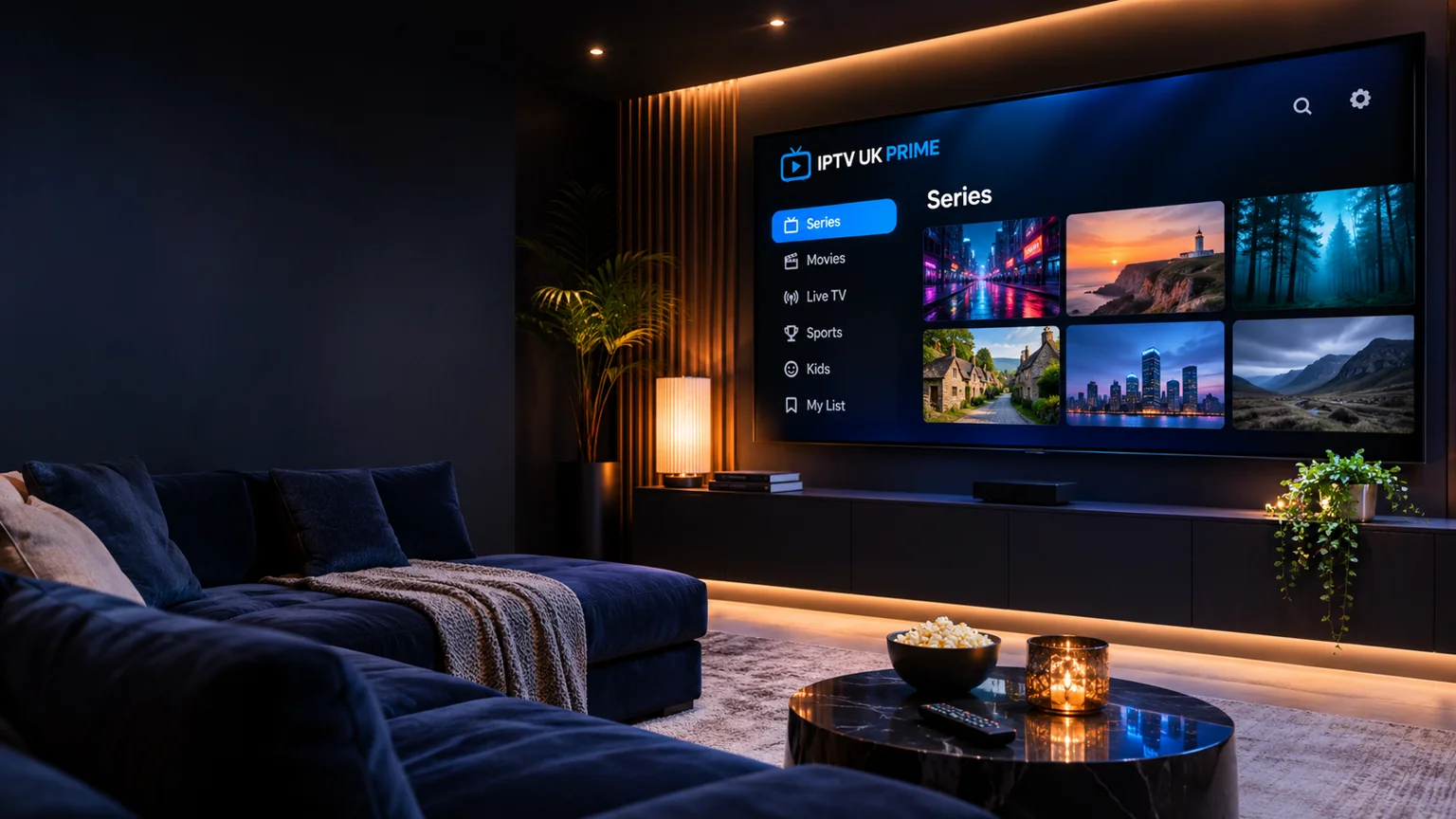
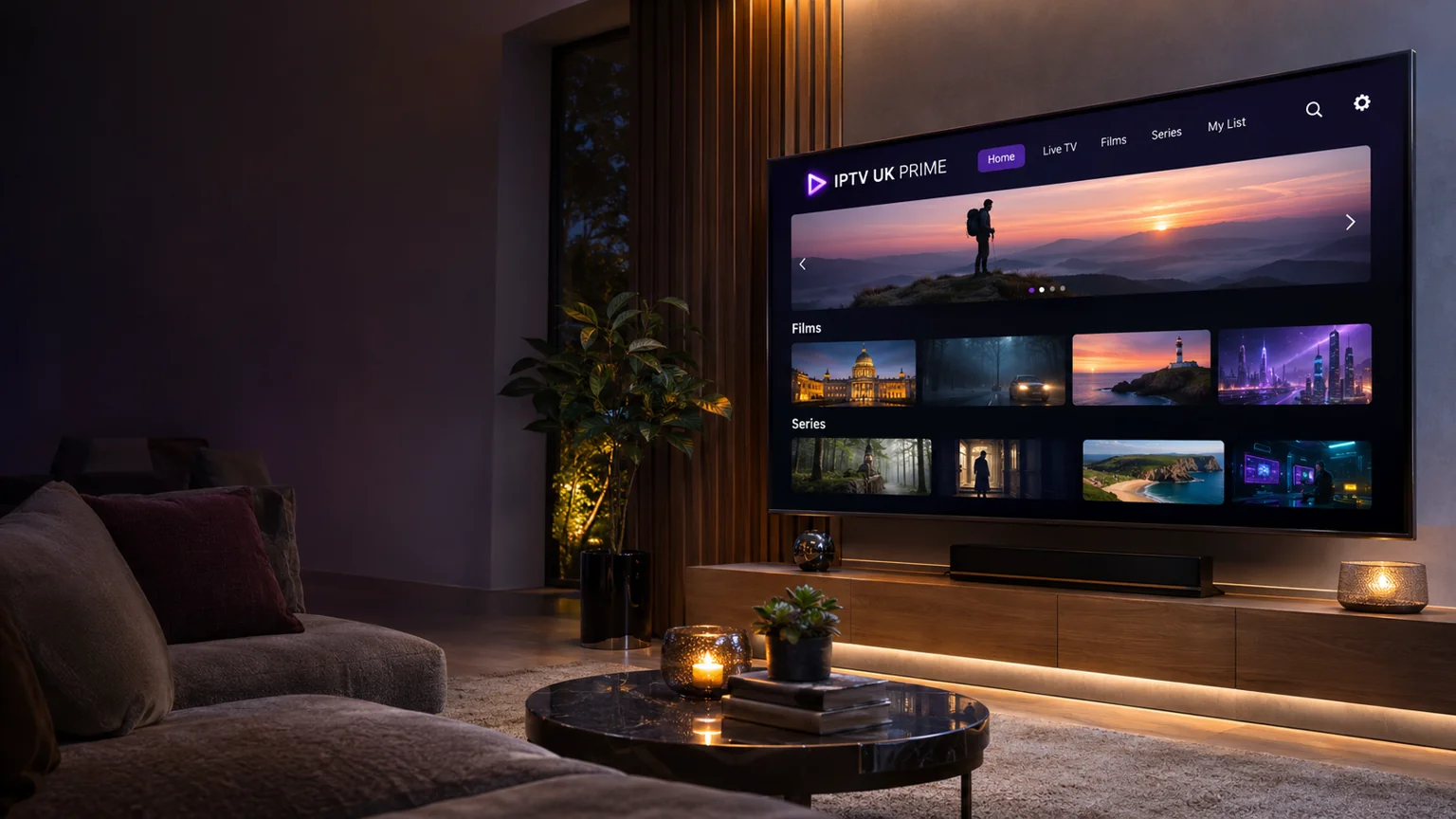
Turn an ordinary evening into time well spent. Browse available film and series options, check your preferred languages and subtitles, and enjoy a viewing setup designed around your screen.
Bring the atmosphere of live sport to your living room. Tell us which competitions you follow so we can confirm current channel availability and help you prepare your device.
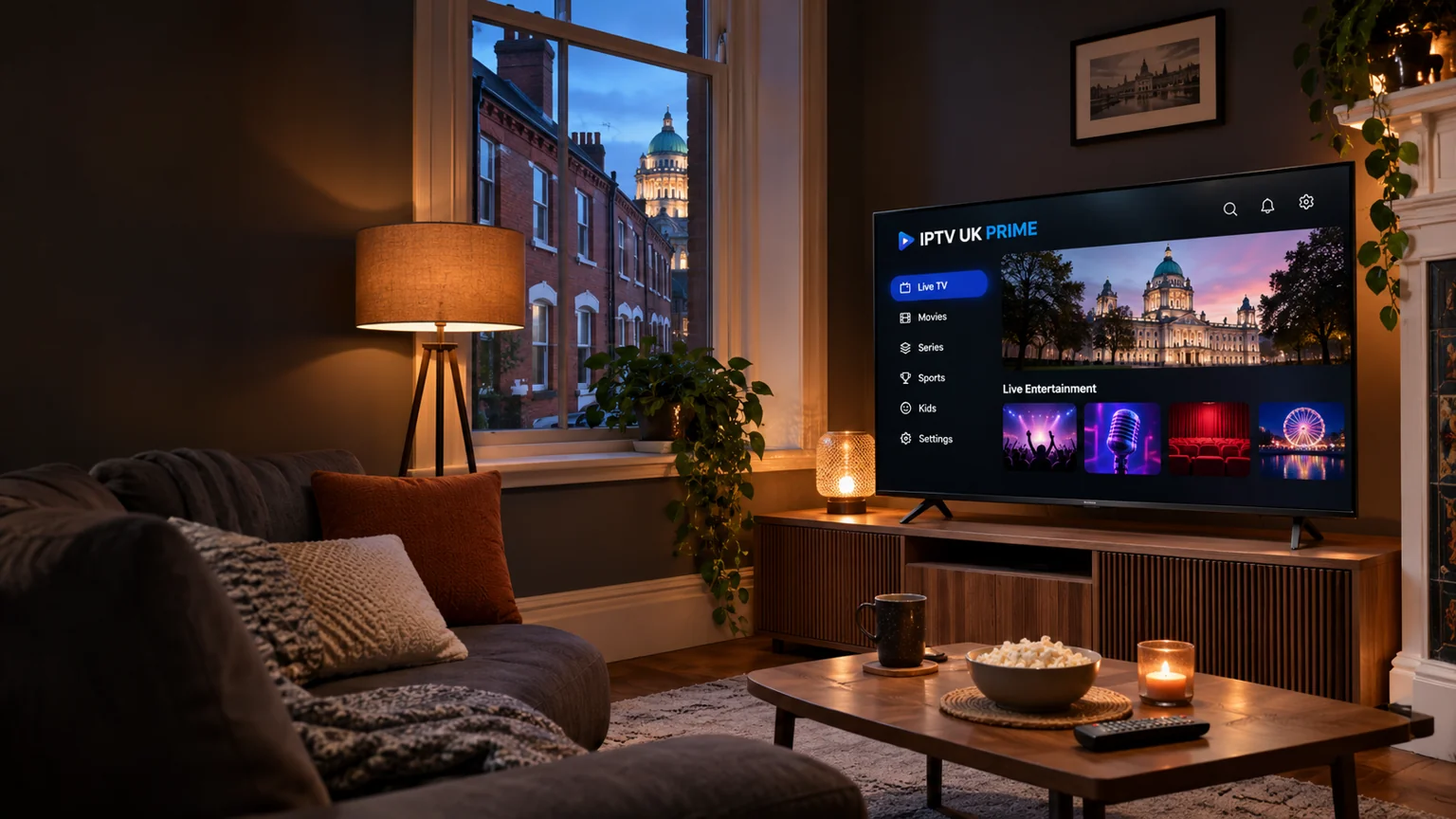
From a London flat to a family home in Manchester, a Glasgow living room or a Belfast apartment, a good IPTV setup starts with the same essentials: the right player, a suitable connection and clear subscription details.
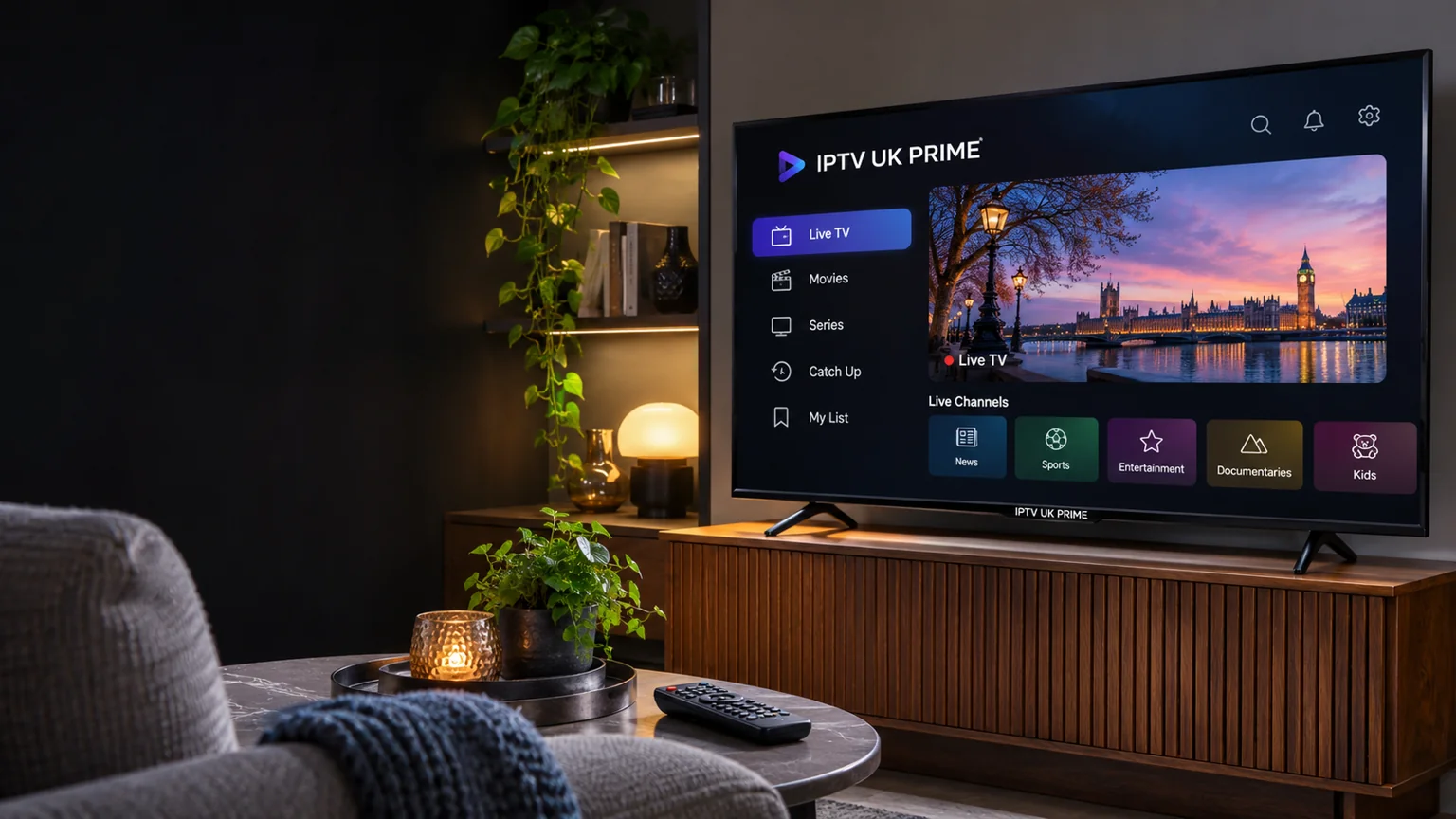
IPTV UK Prime helps viewers across England, Scotland, Wales and Northern Ireland compare packages and prepare their devices. Explore our practical guides, choose your preferred duration and ask about the programmes that matter to your household.
Bring your everyday television, film nights and next favourite series to a screen you love. IPTV UK Prime makes it easier to compare UK IPTV subscriptions, with four packages and one, three, six or twelve month durations.
Start with what you watch, then choose the setup that suits your home. Check the current catalogue, audio languages and subtitles, and confirm the player available on your television. A little preparation helps you make a choice you can feel comfortable with.
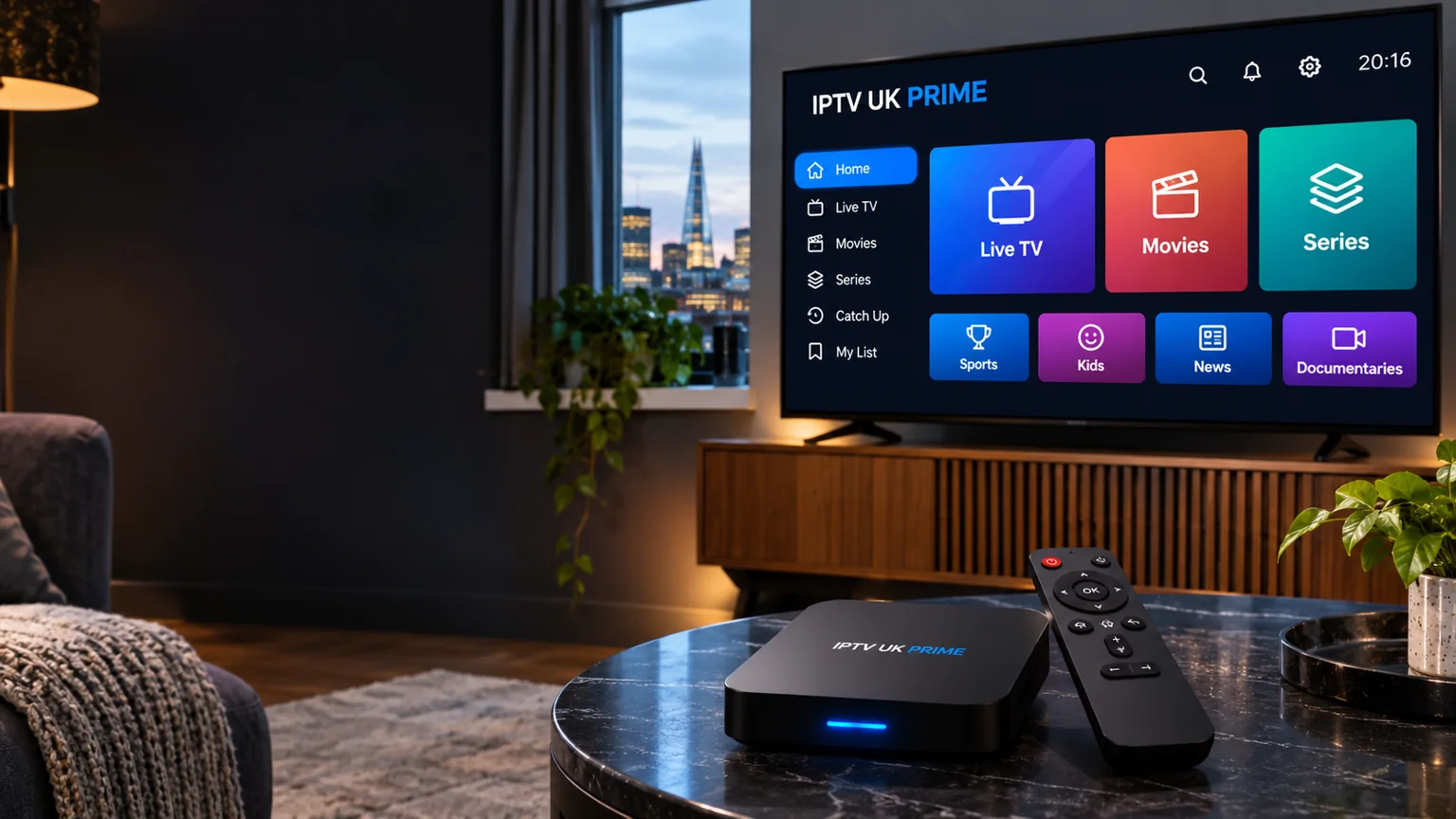
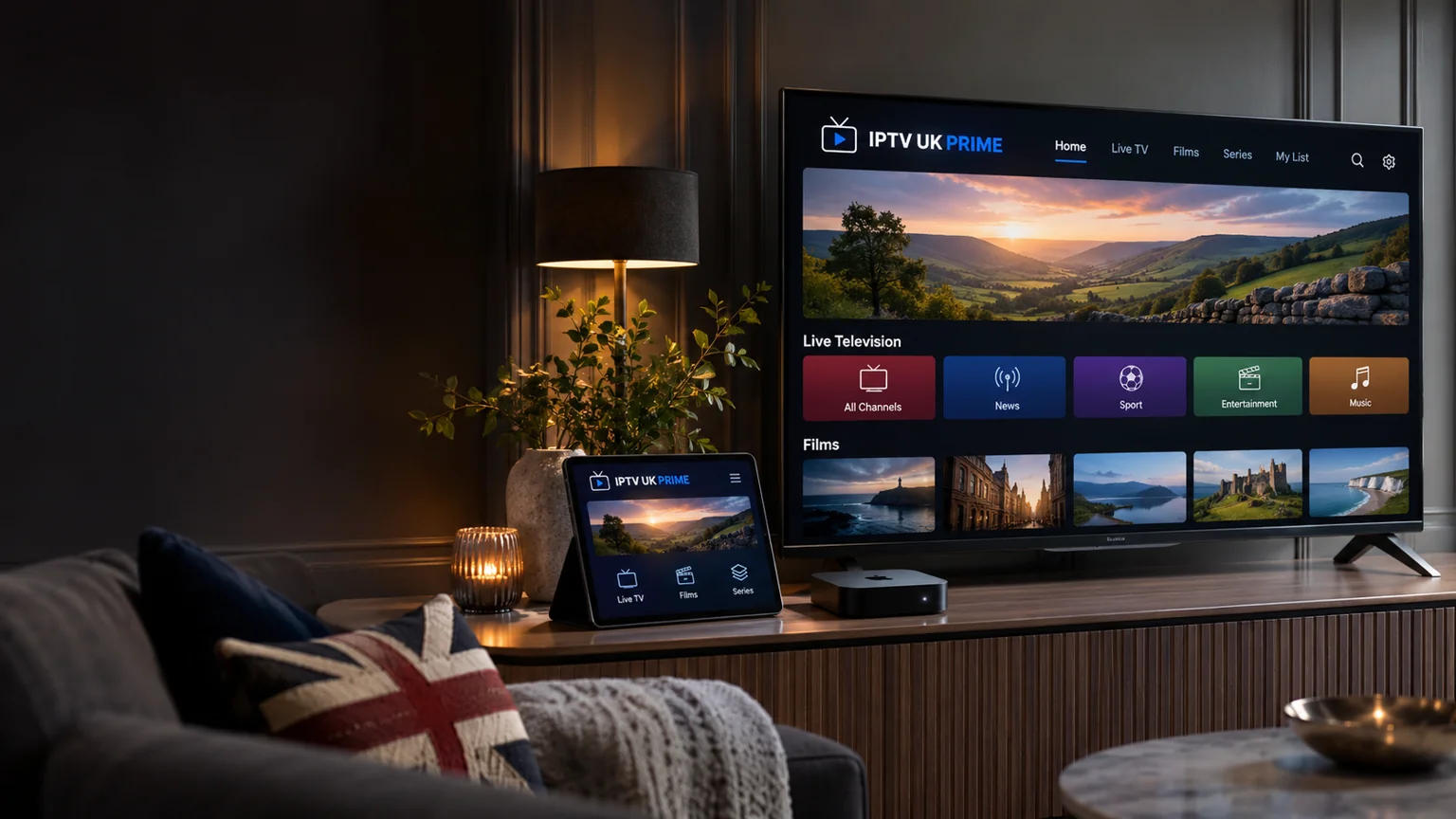
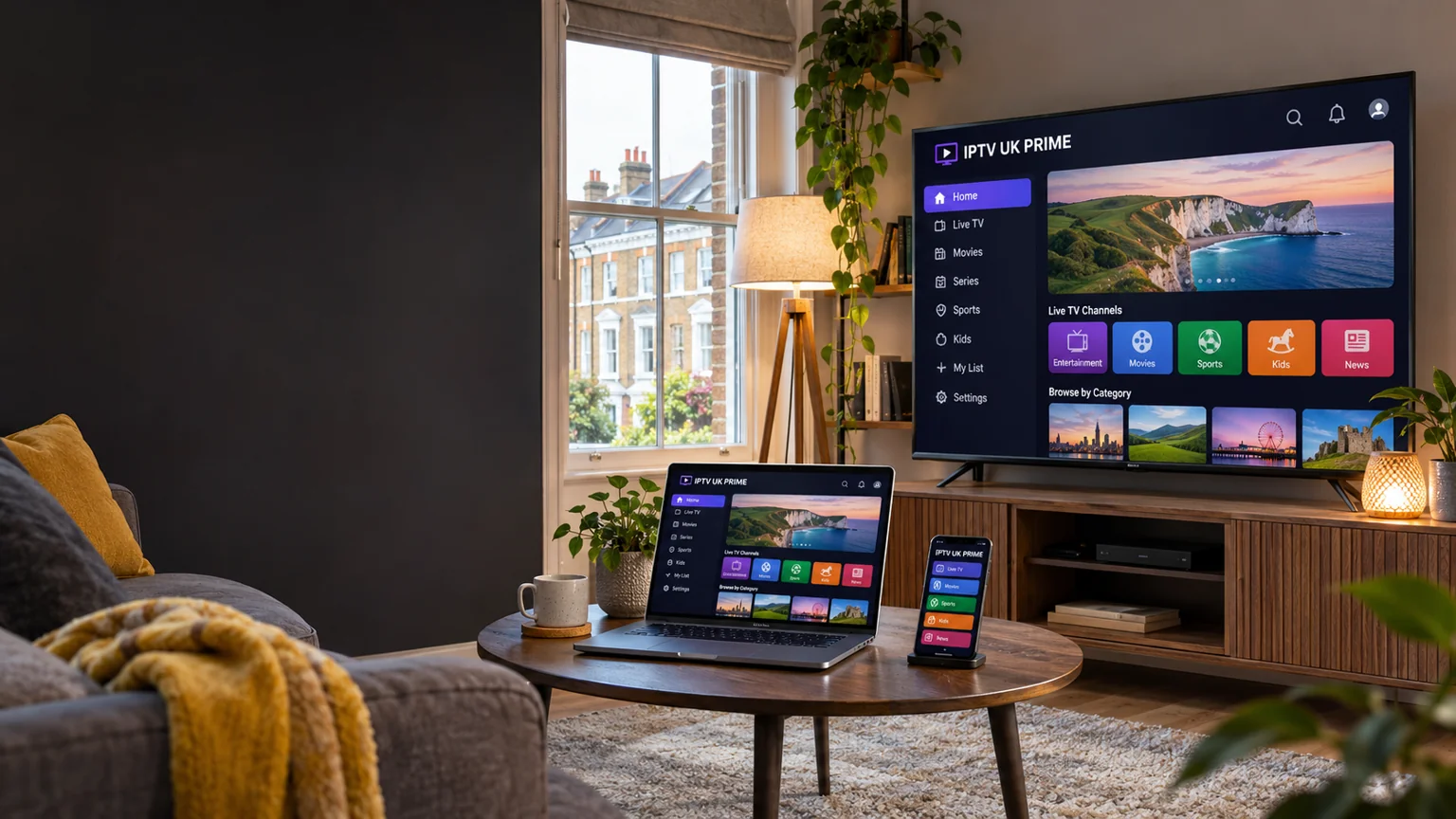
Your IPTV experience should work around your home. Explore setup guidance for Samsung and LG Smart TVs, Android TV, Fire TV devices, Apple TV, phones, tablets and computers. Confirm the exact model and app before choosing a subscription.
Want more than one person to watch at the same time? Choose your screen count when comparing plans, then confirm the final multi-screen price. Our guides help UK households understand player licences, broadband requirements and connection limits before ordering.
Explore 16 IPTV players, including XCIPTV, SETIPTV, IPTVX, GSE Smart IPTV, UHF and iPlayTV. Check your device and any separate app licence before subscribing.
Start with the channels and languages you watch, the device you own and the number of screens you need at the same time. Compare the duration and total price, then confirm the current catalogue and activation details before ordering.
Which IPTV apps can I explore?
Our app directory includes TiviMate, IPTV Smarters, IBO Player, XCIPTV, SETIPTV, IPTVX, GSE Smart IPTV, UHF, iPlayTV and more. Availability varies by device. Check the official store listing and any separate player licence.
Can I use my Smart TV or streaming stick?
Many device families support suitable players, but compatibility depends on the exact model and software. Tell us your TV or streaming device details so we can help you check before you subscribe.
Can several people watch at once?
Choose between one and five simultaneous screens in the pricing section. The final allowance and price must be confirmed for your package. Installing the app on several devices does not automatically mean they can all play at once.
What picture quality should I choose?
Use the quality that suits your screen and available broadband. HD, Full HD and 4K depend on the source programme, player and device. Not every channel or title is available in every resolution.
Does a player app include television channels?
A player is the application used to open compatible content. It does not itself supply a television subscription. App purchases or licences are separate unless explicitly stated otherwise.
What happens when I send an enquiry?
We receive your selected package, duration, screen count and device questions. An enquiry does not take payment or activate an account. Confirm the order details with support before paying.
Where can I find setup help?
Start with our device and app directories, then read the UK IPTV setup guide. If you need help, tell us your model and app version without sending passwords or payment card details.




 Samsung TV
 LG Smart TV
 Android TV
 Google TV
 iPhone & iPad
 Apple TV
 Chromecast
 NVIDIA Shield
 Mac
 Linux
 Android Mobile
 Smart TV
 Fire TV
 Windows PC
 MAG / Formuler
 Streaming Stick
 TiviMate
 IPTV Smarters
 IBO Player
 HOT Player
 SmartOne IPTV
 VLC
 Kodi
 IBOPlayer.pro
 BOB Player
 Xtream Player
 XCIPTV
 SETIPTV
 IPTVX
 GSE SMART IPTV
 UHF
 iPlayTV